
About this font
History, features, licensing, and pairing suggestions.
Nexa Font is sleek, geometric, and incredibly versatile. It brings a friendly, professional look to any design, whether you're building a website, creating a logo, or laying out a presentation. With its balanced curves and clear readability, Nexa feels modern without trying too hard. Designers love how it looks bold without being overwhelming.
History
- Designer: Svet Simov
- Release Year: Originally released by Fontfabric in 2012
- Style: Geometric sans-serif
- License: Free for personal use (Light and Bold weights); full family requires a commercial license
Features
Here’s why Nexa continues to stand out:
- Clean, geometric structure with consistent letter widths
- Available in multiple weights and styles
- Excellent legibility at both small and large sizes
- Great balance between minimalism and personality
Usage & Pairing Tips
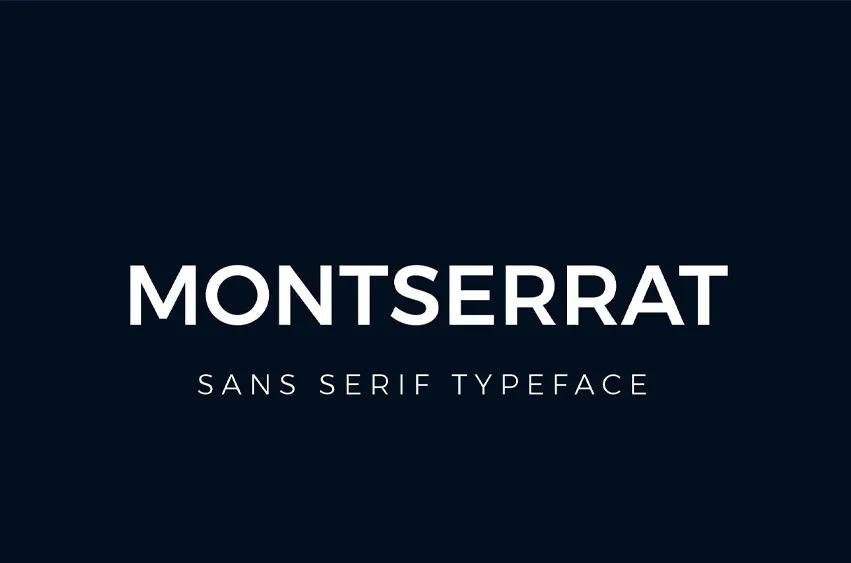
Nexa works exceptionally well for tech branding, posters, websites, and modern UI design. If you're using it for titles or logo work, pairing it with a softer sans-serif like Roboto or Montserrat helps keep the typography cohesive across your project. Want a bit more contrast? Pair Nexa with a classic serif like Merriweather if you’re going for that clean-but-editorial feel. It adds structure without losing the modern edge, perfect for projects that want to feel sharp and stylish.
Download Nexa Font
Curious to try Nexa out? You can grab the Light and Bold styles for personal use right here. They’re great for experimenting or working on non-commercial designs.
Scroll down to download the amazing Font directly from our site, or visit the official Fontfabric site if you’re looking to license the full font family.
Font Usage & License Note
The free version of Nexa includes only select styles. For full access, including all weights and advanced OpenType features, a commercial license is required. Be sure to check the license terms before using it in client work, branding, or product packaging.
Live preview
Type your own text and adjust size and color before downloading.



Comments 0
Leave a comment
No comments yet. Be the first to share your thoughts.